
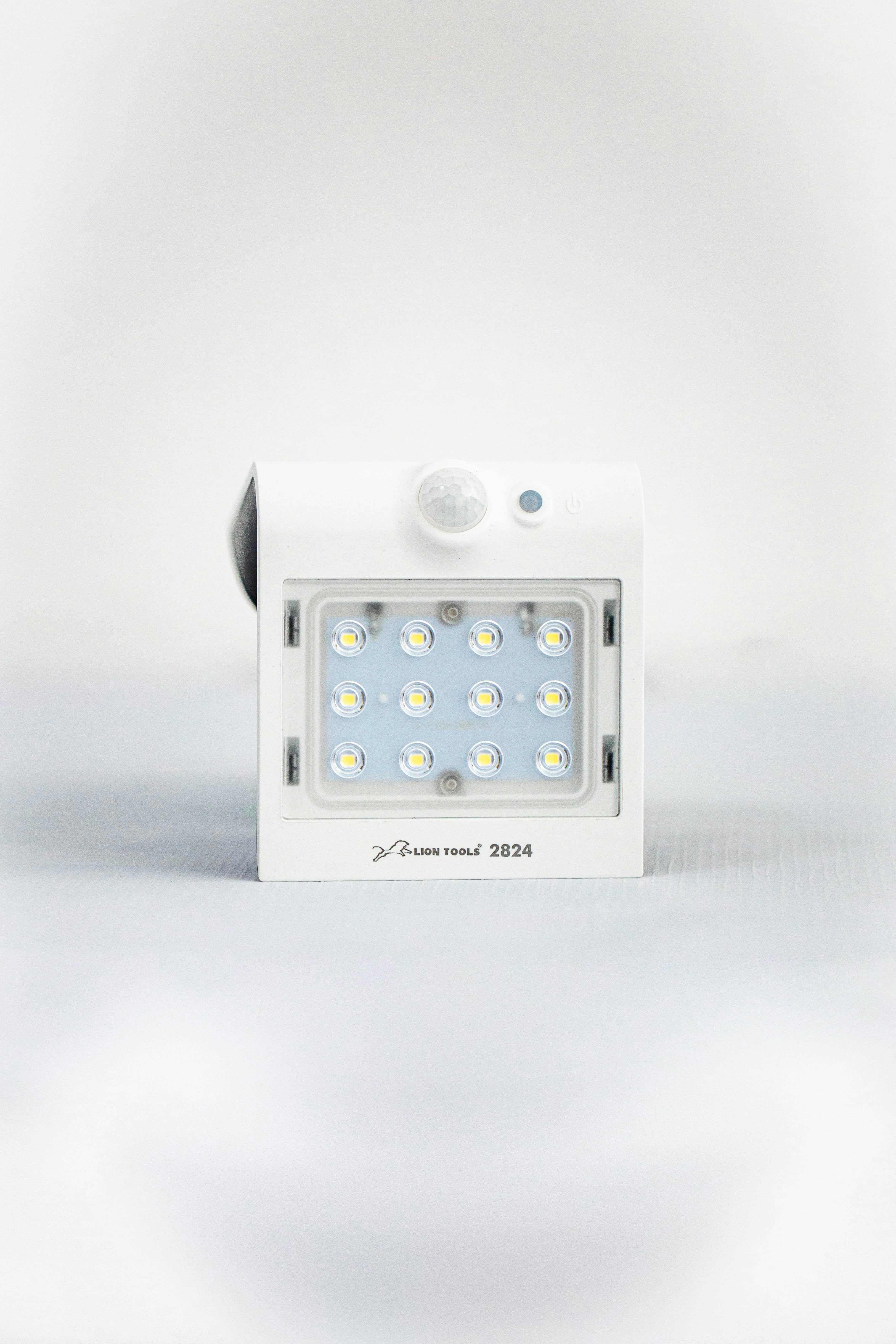
We’ve all been there: you’ve just bought amazing new smart lights, you’re ready to set the mood, and then… nothing. If your smart lights are not connecting, and the app just keeps spinning, it can be incredibly frustrating. However, dealing with smart lights not connecting is a common issue that is usually easier to fix than you might think, especially if you’ve already followed a beginner’s guide to installing smart bulbs.
Usually, the culprit is a weak Wi-Fi signal or a simple frequency mismatch. Most smart bulbs prefer a 2.4GHz connection over the faster 5GHz one. Let’s walk through the most common fixes to get your home glowing again.
Common Reasons for Smart Lights Not Connecting
Before diving into the fixes, it’s important to understand why your devices are struggling. Most smart lights not connecting issues stem from network congestion or signal interference, which can even affect the best smart bulbs of 2026.
Wi-Fi Range and Smart Lights Not Connecting
If your bulb is too far from the router, you’ll likely find your smart lights not connecting during the initial setup phase. Walls and furniture can significantly weaken the signal.
1. Restart Your Router to Fix Smart Lights Not Connecting
It sounds like a cliché, but restarting your router really does work for smart lights not connecting. Unplug your router, wait about 30 seconds, and plug it back in. This clears the cache and often resolves the smart lights not connecting error immediately. This is a similar process to connecting Alexa to Wi-Fi when it hits a snag.
2. Check Frequency if Smart Lights Are Not Connecting
This is the most common reason for smart lights not connecting to Wi-Fi. Most smart home gadgets only work on the 2.4GHz frequency. If your router combines both into one name, your smart lights not connecting might be due to the bulb trying to use the 5GHz band.
Switching to 2.4GHz for Smart Lights Not Connecting
To solve smart lights not connecting, log into your router settings and ensure the 2.4GHz band is active and has a unique SSID if possible.
3. Factory Reset When Smart Lights Are Not Connecting
If the light is stuck, a factory reset is your best friend. For most brands, this involves turning the switch on and off five times. This is a proven way to bypass smart lights not connecting glitches by starting from scratch, whether you are using smart lights for Alexa or other platforms.
4. Update Apps to Stop Smart Lights Not Connecting
Outdated software is a frequent cause of smart lights not connecting. Check the app store for updates to your lighting app to ensure compatibility and fix known smart lights not connecting bugs.
5. Move Closer to Solve Smart Lights Not Connecting
If you’re struggling with smart lights not connecting in a far room, try pairing the bulb in a lamp right next to the router first. Once you overcome the smart lights not connecting hurdle, you can move it back.
6. Reduce Interference for Smart Lights Not Connecting
Microwaves and other electronics can cause smart lights not connecting. Keep your router away from other heavy appliances to ensure a clear path for your smart lights not connecting to the network.
7. Reinstall the App for Smart Lights Not Connecting
If you’re still facing smart lights not connecting, delete and reinstall the app. This simple refresh often clears the path for smart lights not connecting and allows for a successful pairing.
Hello http://smarthomekitchenupgrade.com,
We offer professional website design and development services for businesses looking to build a strong online presence.
If you are planning to create a new website or redesign your existing one, I would be happy to share our portfolio and pricing details.
Please let me know if you would like more information.
Best Regards,
Leeza
Hi
Include smarthomekitchenupgrade.com in Google Search Index and have it be displayed in online search results!
Register smarthomekitchenupgrade.com at https://searchregister.org