
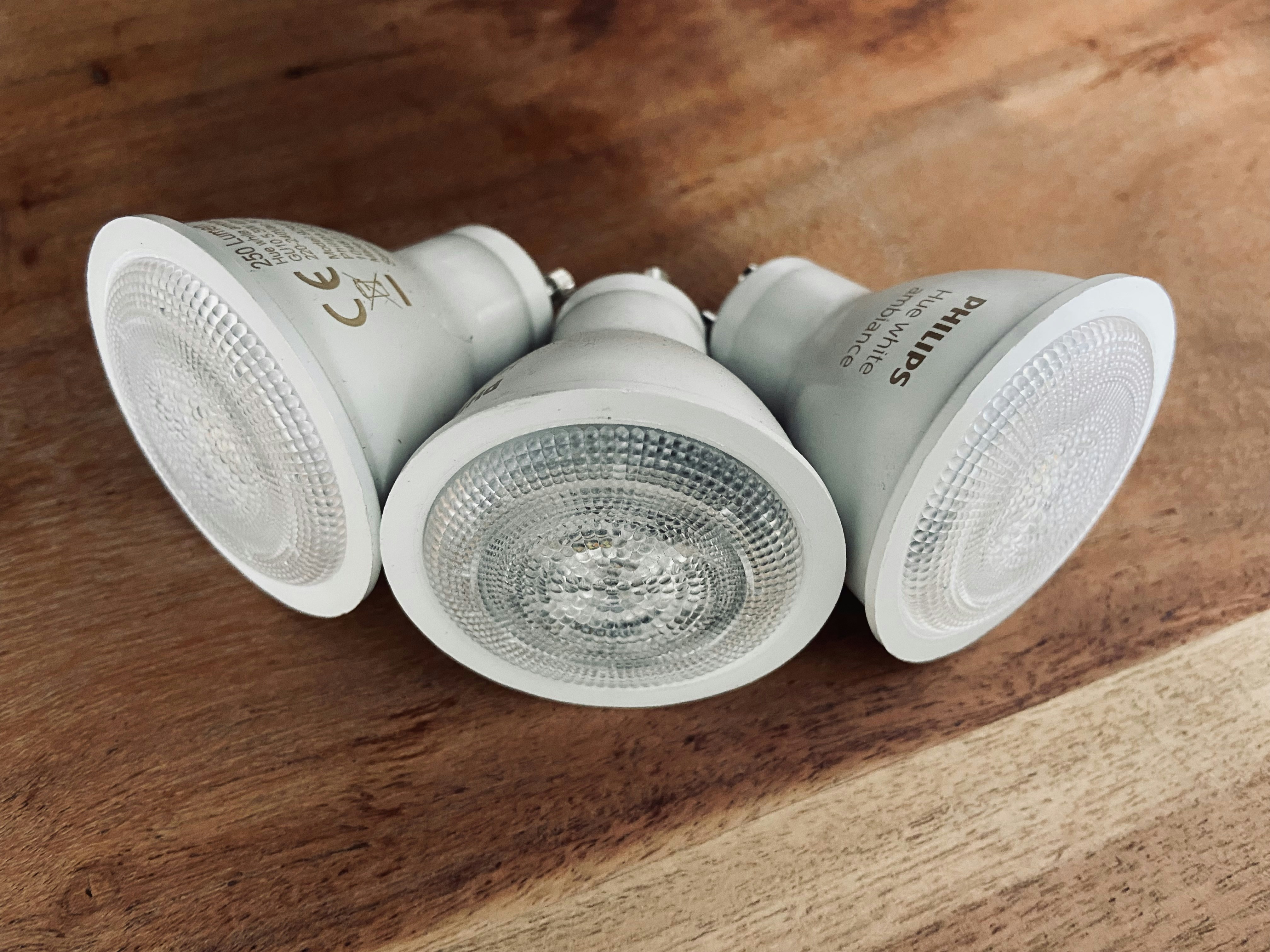
What Exactly Are Smart Light Bulbs?
Think of smart light bulbs as the upgraded, tech-savvy version of the classic LED. While they still provide energy-efficient light that lasts way longer than old-school incandescent bulbs, their real “magic” is connectivity. You can control them from your phone, set them to change colors, or even dim them without needing a physical dimmer switch installed in your wall.
In 2026, the best part is how they play with others. Whether you’re using Alexa, Google Home, or just a simple app on your phone, you can manage your home’s vibe with a quick tap or a voice command. From warm yellows for a cozy movie night to bright whites for morning coffee, these bulbs make your space work for you.
Picking the Perfect Smart Light Bulbs for Your Home
Before you hit “buy,” there are a few things to keep in mind so you don’t end up with a bulb that doesn’t fit your setup:
- Ecosystem Check: Do you already use Alexa or Google Home? Make sure the box says it’s compatible.
- Connection Type: Some bulbs connect directly to your Wi-Fi, while others use Bluetooth or a “Hub.” Wi-Fi is usually the easiest for beginners.
- Features: Do you just want dimming, or do you want 16 million colors? Decide if you need the “party mode” or just a reliable white light.
- Size Matters: Double-check your fixture. Most lamps use a standard A19 base, but recessed “can” lights or chandeliers might need specific shapes.
Step-by-Step: How to Install Smart Light Bulbs
Ready to upgrade? Here’s the simple way to get it done safely:
- Safety First: Turn off the light switch. If you’re changing a bulb in a high ceiling, grab a sturdy ladder.
- The Swap: Unscrew your old bulb (wait for it to cool down!) and screw in your new smart bulb just like a normal one.
- Power Up: Turn the light switch back on. The bulb will usually flash or pulse—this means it’s in “pairing mode” and ready to talk to your phone.
- The App Part: Download the manufacturer’s app (like Philips Hue, TP-Link Kasa, or LIFX). Follow the “Add Device” steps. You’ll usually just need to select your Wi-Fi and enter your password.
Pro Tips for Managing Your New Setup
Once they’re connected, don’t just stop at “on” and “off.” Try setting up Routines. You can program your porch light to turn on at sunset automatically, or have your bedroom lights slowly brighten at 7:00 AM to help you wake up. If you have a voice assistant, group your bulbs into “Rooms” so you can just say, “Alexa, turn off the kitchen,” and be done with it.
Frequently Asked Questions (FAQ)
Do smart light bulbs work with traditional dimmer switches?
Generally, no. Using a smart bulb with a physical wall dimmer can cause flickering or damage the bulb. It’s best to use them in standard on/off sockets and dim them via the app or voice.
Will my smart lights work if the Wi-Fi goes out?
Yes, they will still work as “dumb” bulbs. You can turn them on and off using your wall switch, but you won’t be able to change colors or use schedules until the internet returns.
Do smart light bulbs use electricity when they are “off”?
A tiny amount. Since they need to stay “awake” to listen for your next command, they use a very small amount of standby power, but it’s negligible compared to the energy savings of LED technology.
Can I use smart light bulbs outdoors?
Only if they are specifically rated for outdoor use. Standard indoor smart bulbs can fail if exposed to moisture or extreme temperature swings.